our infotainment screen is probably the most frequently touched surface inside your car—and one of the least properly cleaned.
Over time, fingerprints, skin oils and dust create a greasy film that becomes especially noticeable when sunlight hits the screen. Suddenly, maps, menus and media controls become harder to see.
The problem isn’t the dirt itself.
The problem is how most people try to remove it.
Why Glass Cleaner Is the Wrong Choice
Most modern automotive touchscreens feature an oleophobic coating, a thin protective layer designed to repel oils and reduce fingerprints.
This coating makes everyday smudges easier to wipe away, but it’s also sensitive to harsh chemicals.
Many common glass cleaners contain ammonia, which is perfectly suitable for household windows but can gradually degrade the protective coating on your vehicle’s display.
The damage doesn’t happen overnight.
Instead, it occurs slowly over months of cleaning. Eventually, you may notice that fingerprints stick more easily, smudges become harder to remove, and the screen seems dirtier than it did when the car was new.
Once the coating has worn away, it cannot simply be restored with another cleaning.
The same risk applies to:
- Ammonia-based glass cleaners
- Strong all-purpose cleaners
- Aggressive solvents
- Alcohol-saturated cleaning wipes
What works on household glass isn’t necessarily safe for a coated touchscreen.
The Safe Way to Clean a Car Touchscreen
Fortunately, cleaning your screen properly is simple.
In most cases, all you need is:
- A clean microfiber cloth
- Water or a pH-neutral interior cleaner
- A few minutes of careful cleaning
Step 1: Turn the Vehicle Off
A dark screen makes fingerprints, dust and streaks much easier to see.
Cleaning while the display is powered on often causes you to miss spots because the bright screen hides residue.
Step 2: Start With a Dry Microfiber Cloth
Before using any cleaner, try a dry wipe first.
Many fingerprints can be removed completely using a clean microfiber cloth alone.
Use straight, overlapping passes rather than circular motions.
Step 3: Apply Cleaner to the Cloth, Not the Screen
If fingerprints remain, lightly dampen the microfiber cloth with a pH-neutral interior cleaner.
Never spray liquid directly onto the display.
Moisture can migrate into the edges of the screen, buttons or electronic components surrounding the display.
A lightly dampened cloth is all that’s needed.
Step 4: Wipe and Buff
Wipe the screen in one direction first.
Then use a dry section of the cloth to buff in the opposite direction.
For example:
- Horizontal wipe with the damp section
- Vertical wipe with the dry section
This technique makes streaks easy to identify and remove.
Choosing the Right Microfiber Cloth
Not all microfiber towels are ideal for screens.
For touchscreens, thinner microfiber cloths often work better than thick drying towels because they conform more easily to the edges and corners of the display.
A quality 300 GSM microfiber cloth provides:
- Excellent dust removal
- Low lint production
- Gentle contact with delicate coatings
- Better control on glossy surfaces
For best results, dedicate one microfiber cloth exclusively to screens and glass surfaces.
Avoid using the same towel that has already been used on dashboards, trim or cleaning products, as residue can transfer back onto the screen.
Common Mistakes That Cause Streaks or Damage
Spraying Directly Onto the Screen
Liquid can seep into gaps around the display and potentially reach electronic components.
Always spray the cloth instead.
Using Paper Towels
Paper products may seem soft, but they leave lint behind and can create microscopic abrasion over time.
Microfiber is always the safer option.
Using Ammonia or Alcohol-Based Cleaners
These products remove grease effectively but may gradually strip away the screen’s protective coating.
Cleaning in Direct Sunlight
Heat causes cleaning solutions to evaporate quickly, leaving streaks behind before you have time to buff the surface properly.
Whenever possible, clean your touchscreen in the shade or inside a garage.
The Right Cleaner for the Job
Your touchscreen doesn’t require a specialized screen-cleaning product.
What matters is choosing a cleaner that is:
- pH-neutral
- Free from ammonia
- Free from harsh solvents
- Safe for interior plastics and coated surfaces
A quality interior cleaner can safely handle dashboards, trim pieces and touchscreens when applied correctly.
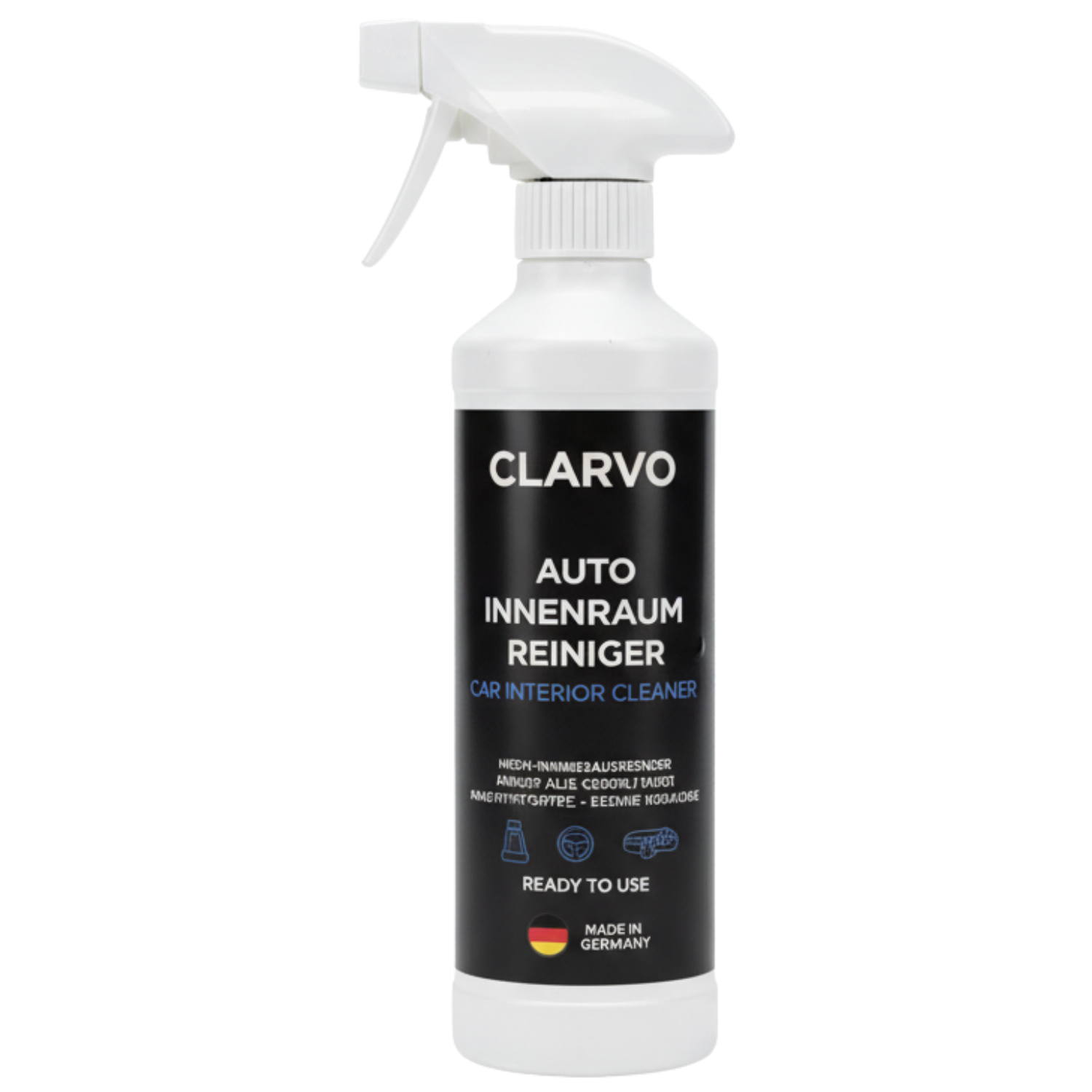
Our Clarvo Interior Cleaner is formulated specifically for modern vehicle interiors and can be safely applied to a microfiber cloth for cleaning displays, dashboards and other sensitive surfaces.
Combined with a clean microfiber towel, it makes it easy to refresh your entire dashboard area in just a few minutes—without leaving streaks behind or compromising the screen’s protective coating.